What if getting a professional model photoshoot for your sarees was as simple as taking 3 photos?
No studio. No model. No makeup artist. No blouse stitching. No photographer.
Just 3 photos → professional model images.
That's exactly what Gelenza does.
The 3 Photos That Change Everything
Every saree has three key visual elements. Capture these correctly, and Gelenza's AI can generate a complete model photoshoot.
Photo 1: Saree Body Portion
What it is: The main repeated section of the saree — the fabric that covers most of the body.
Why it matters:
- Shows the base color and pattern
- Reveals fabric texture — cotton, silk, georgette, chiffon
- Helps AI understand the overall look of the saree
How to photograph:
- Spread a section of the saree body on a flat, clean surface
- Use natural daylight — near a window is perfect
- Avoid shadows and wrinkles
- Fill the frame with the fabric — no need to show the entire saree
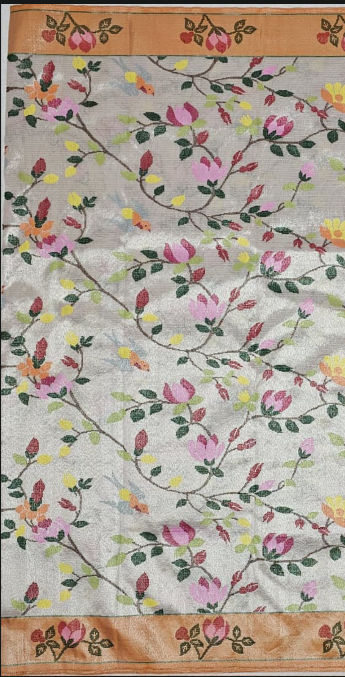
Photo 2: Pallu
What it is: The decorative end piece of the saree — usually the most eye-catching part.
Why it matters:
- Buyers judge a saree by its pallu first
- Contains the richest designs — zari, embroidery, prints
- The pallu drapes over the shoulder in the final photo — it must look accurate
How to photograph:
- Lay the pallu flat, showing the full design
- Include the border if it's part of the pallu design
- Make sure colors are true to life — avoid yellow lighting
- Take two angles if the pallu has front and back designs
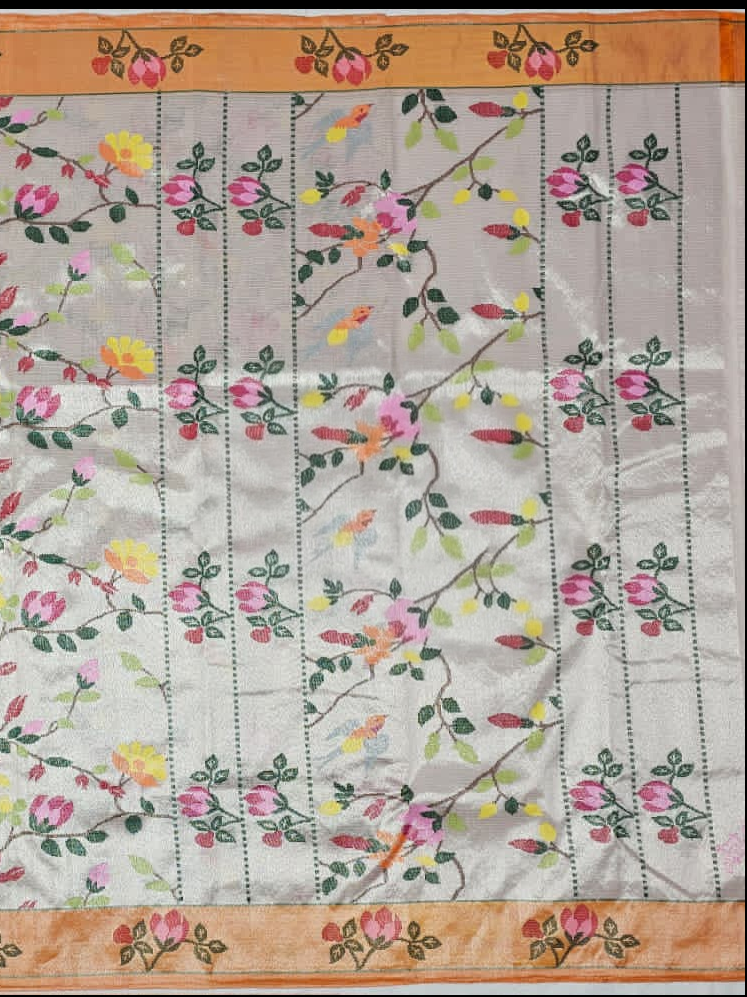
Photo 3: Blouse
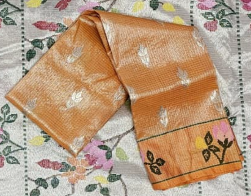
What it is: The blouse piece that comes with the saree — stitched or unstitched.
Why it matters:
- The blouse completes the saree look
- AI needs to understand the color, pattern, and neck design
- A well-captured blouse image = more realistic model output
How to photograph:
- If stitched: lay it flat showing the front
- If unstitched: spread the fabric showing the design clearly
- Capture sleeve pattern if visible
- Ensure the color matches what the eye sees — no filters
Upload → AI Magic → Professional Photos
Once you upload these 3 photos to Gelenza, the AI:
- Analyzes the saree fabric, color, and texture
- Understands the pallu design and draping style
- Generates a matching blouse on the model
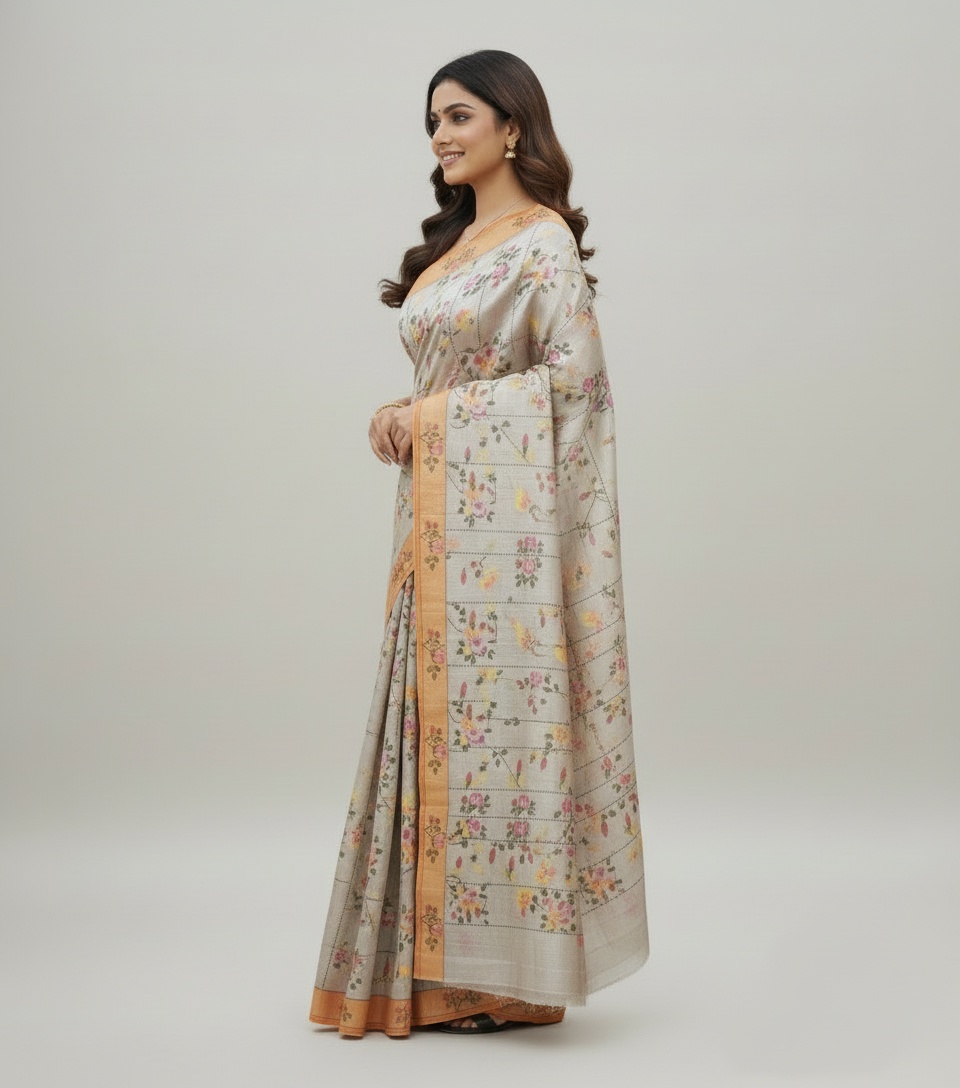
- Creates a complete model photo with natural saree draping
- Produces multiple poses — front, side, walking, elegant
Up to 95% realistic representation — even for complex silk and heavy-border sarees.
See the Results
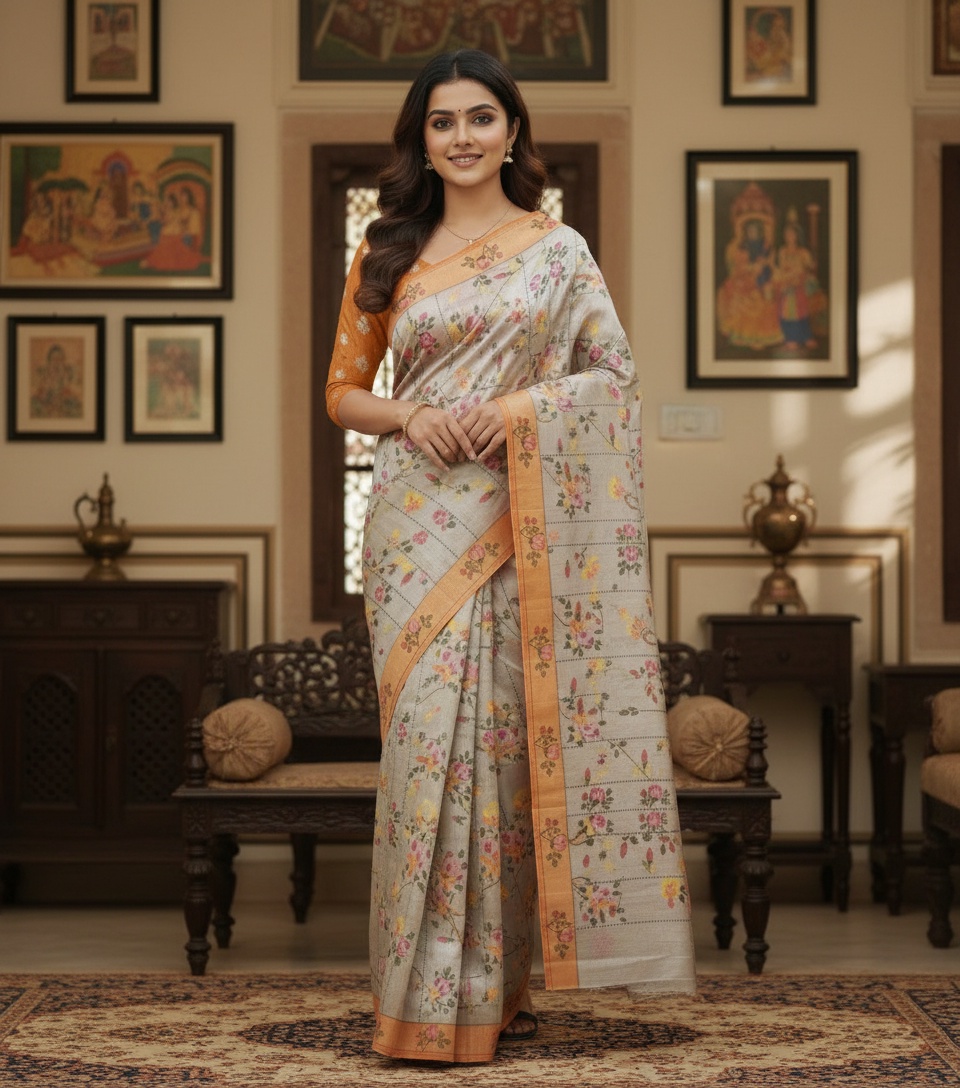
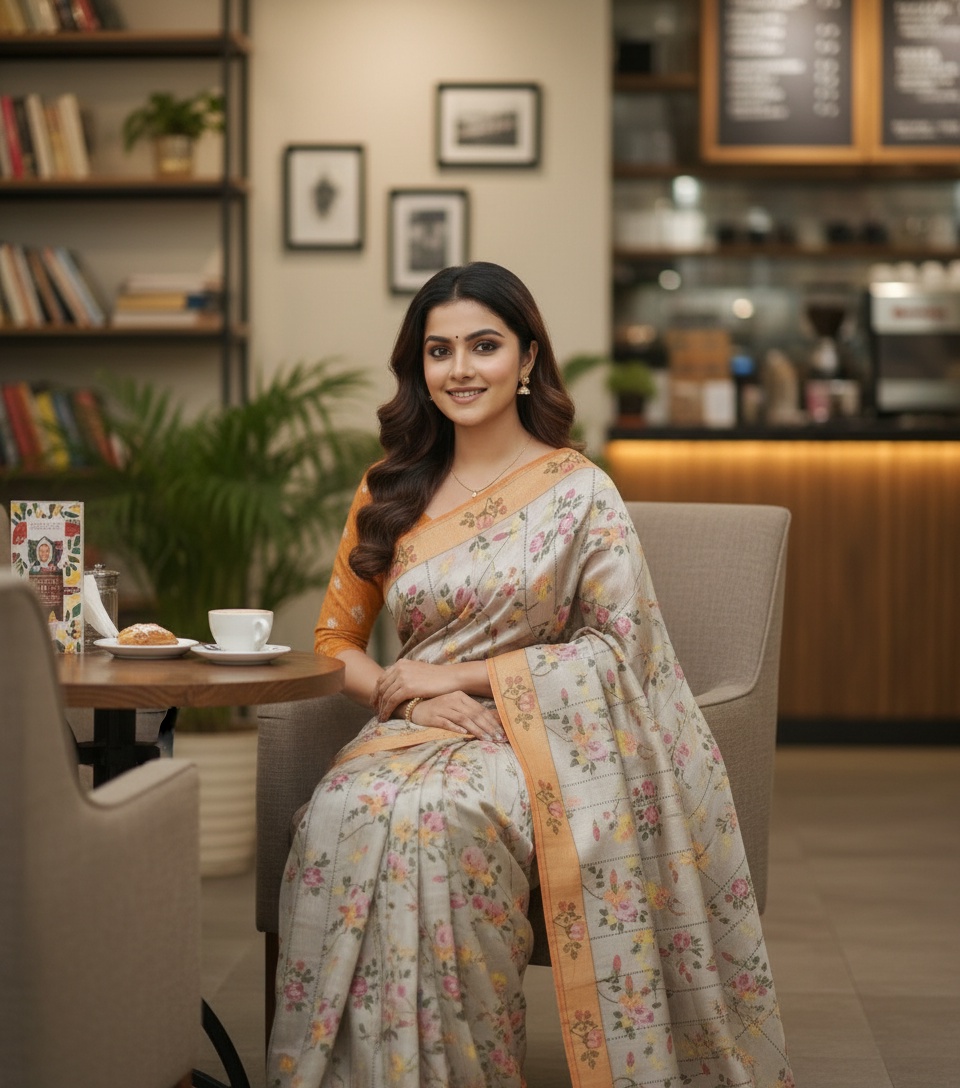
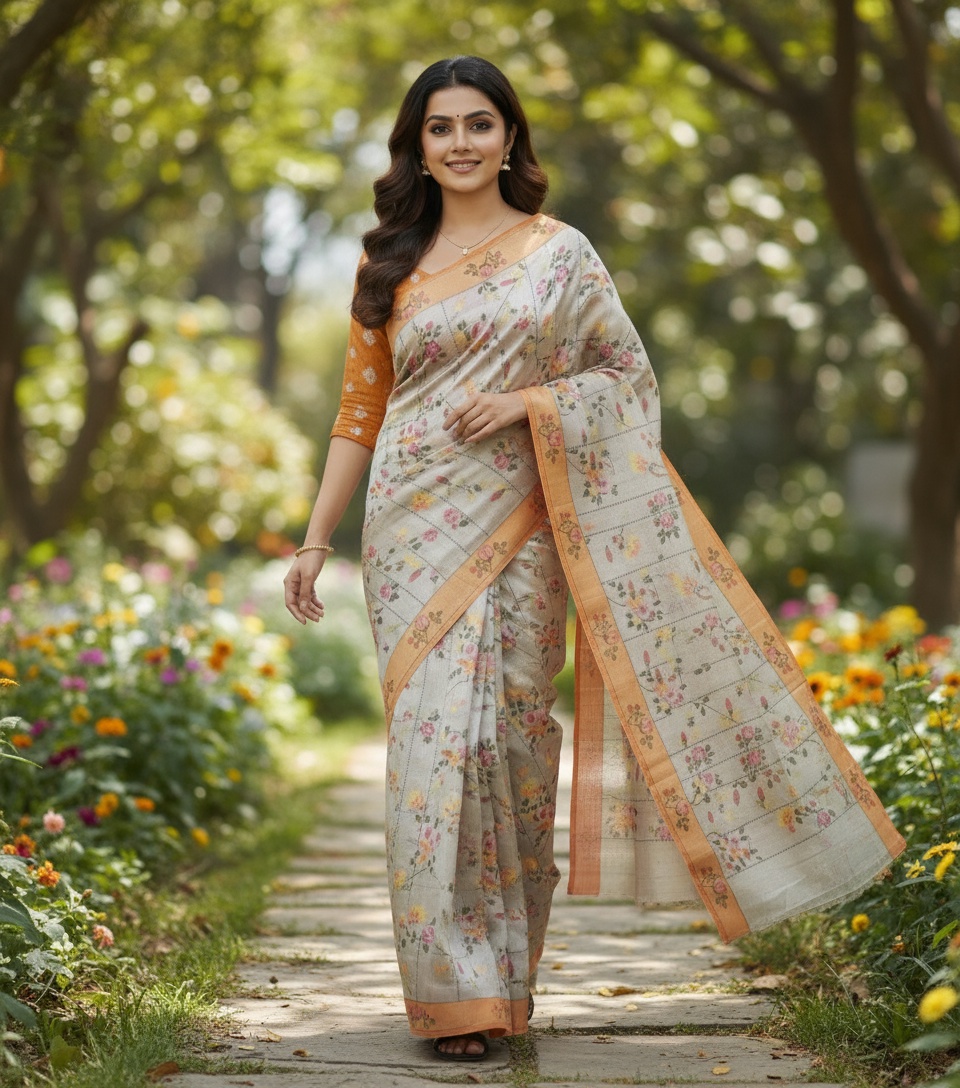
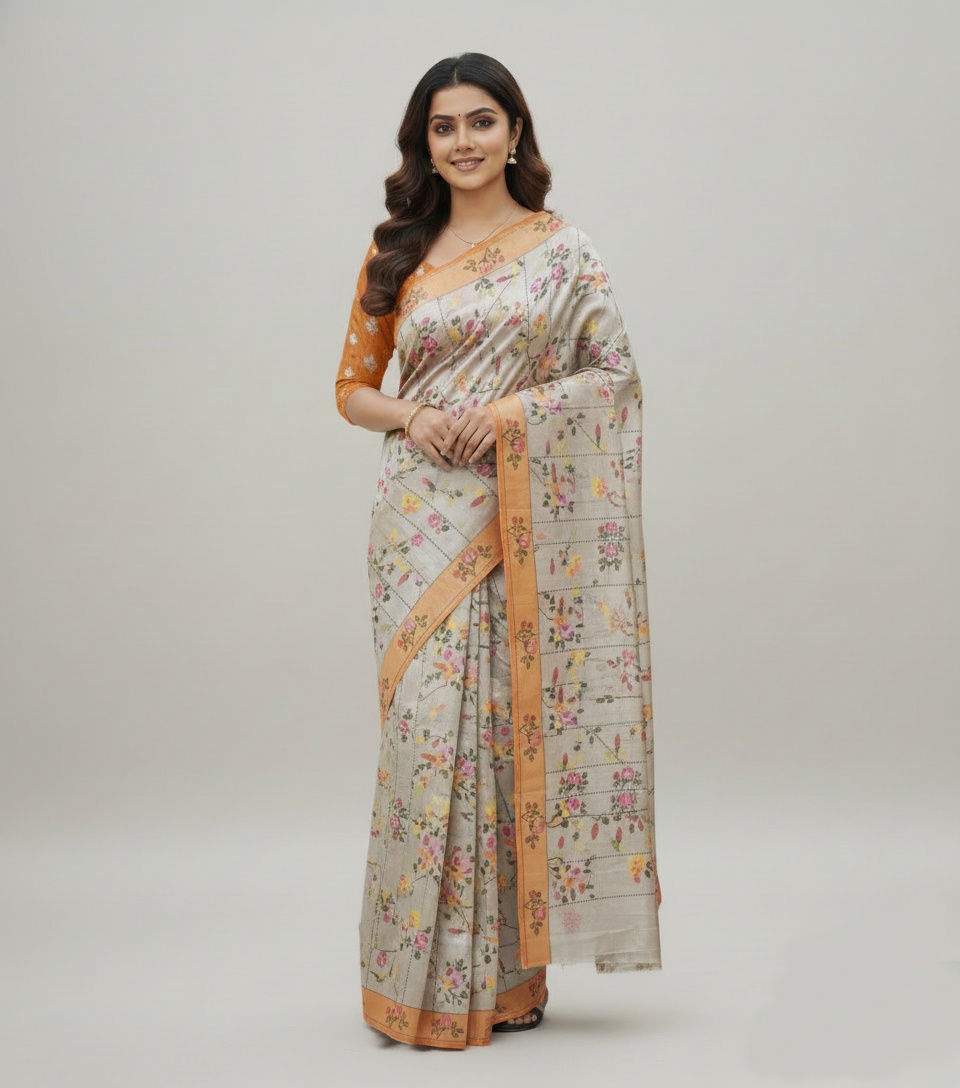
AI Model Videos From the Same 3 Photos
Gelenza doesn't stop at photos. It also generates AI model videos — professional, Instagram-ready, with natural movement and draping.
From 3 simple photos to a complete photo + video catalog — all from home.
Photography Tips for Best Results
| Do | Don't |
|---|---|
| Use natural daylight | Use yellow bulb lighting |
| Keep the background clean and plain | Shoot on busy/cluttered surfaces |
| Iron or steam the fabric before shooting | Photograph wrinkled fabric |
| Fill the frame with the fabric | Shoot from far away with too much background |
| Use your phone's back camera | Use selfie camera or apply filters |
| Capture true-to-life colors | Over-edit brightness or saturation |
How Long Does It Take?
- Taking 3 photos: 2–3 minutes per saree
- Uploading to Gelenza: 1 minute
- Getting AI model photos: A few minutes
- Total per saree: Under 10 minutes
Compare that to 1 hour+ per saree with a traditional photoshoot.
You could photograph your entire catalog of 50 sarees in a single day — from home.
Who Is This For?
- Homemakers starting a saree business
- Small boutique owners who can't afford photoshoots
- Meesho, Amazon, and Flipkart sellers needing professional images
- Instagram boutiques wanting premium content
- Anyone who sells sarees online and wants to look professional
3 Photos. Professional Photoshoot. From Home.
That's the Gelenza promise.
Try Gelenza Now — Upload Body, Pallu, Blouse → Get Model Photos →